|
Routines |
| Prev: D27E | Up: Map | Next: D2CF |
|
Used by the routines at GameOver and DisplayTextList.
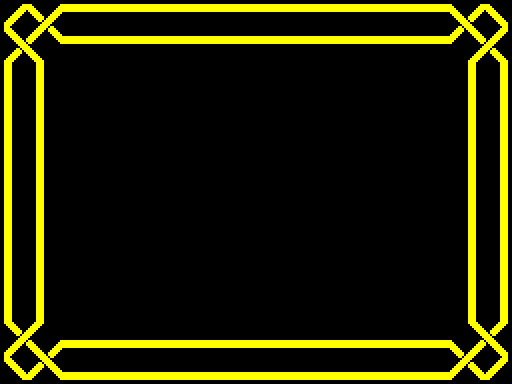
Draws the border around the playing area, using the sprites in the table at BorderSprites. The four corners are drawn first, then the top and bottom edges, which are each made of 18 sprites that are eight pixels wide, and the left and right edges, which are each made of 80 sprites that are one pixel high.
|
||||||
|
Draw the four corners, then the edges.
|
||||||
| PrintBorder | D296 | LD IX,$BFDB | Point IX at the object that holds the details of the sprites of the panel, PanelObject. | |||
| D29A | LD HL,$D2CF | Point HL at BorderSprites. | ||||
| D29D | CALL PrintTableSprite | Draw the top left corner. | ||||
| D2A0 | CALL PrintTableSprite | Draw the top right corner. | ||||
| D2A3 | CALL PrintTableSprite | Draw the bottom right corner. | ||||
| D2A6 | CALL PrintTableSprite | Draw the bottom left corner. | ||||
| D2A9 | CALL SetSpriteDetails | Set the details of the top edge. | ||||
| D2AC | LD DE,$0008 | Set the offsets to 08 in X and 00 in Y. | ||||
| D2AF | LD B,$18 | Set the number of sprites to 18. | ||||
| D2B1 | CALL PrintSprites | Draw the top edge. | ||||
| D2B4 | CALL SetSpriteDetails | Set the details of the bottom edge. | ||||
| D2B7 | LD B,$18 | Set the number of sprites to 18. | ||||
| D2B9 | CALL PrintSprites | Draw the bottom edge. | ||||
| D2BC | CALL SetSpriteDetails | Set the details of the left edge. | ||||
| D2BF | LD DE,$0100 | Set the offsets to 00 in X and 01 in Y. | ||||
| D2C2 | LD B,$80 | Set the number of sprites to 80. | ||||
| D2C4 | CALL PrintSprites | Draw the left edge. | ||||
| D2C7 | CALL SetSpriteDetails | Set the details of the right edge. | ||||
| D2CA | LD B,$80 | Set the number of sprites to 80. | ||||
| D2CC | JP PrintSprites | Jump to PrintSprites. | ||||
|
||||||
| Prev: D27E | Up: Map | Next: D2CF |